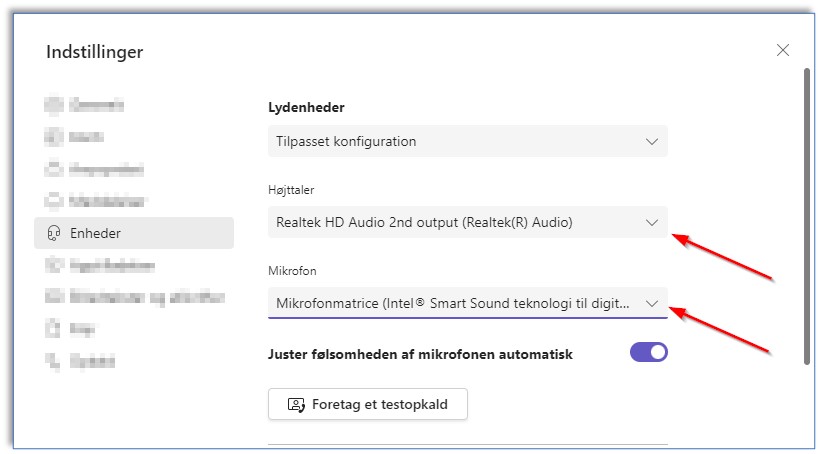
Edit Teams device
The below guide will show you how to change speaker/microphone and webcam in Microsoft Teams.
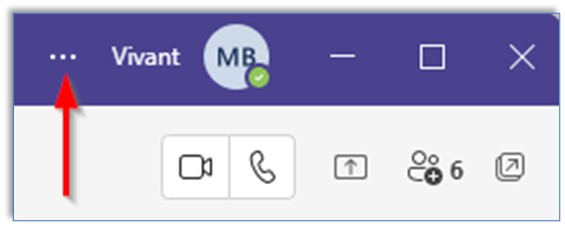
1) Click on the 3 …‘s
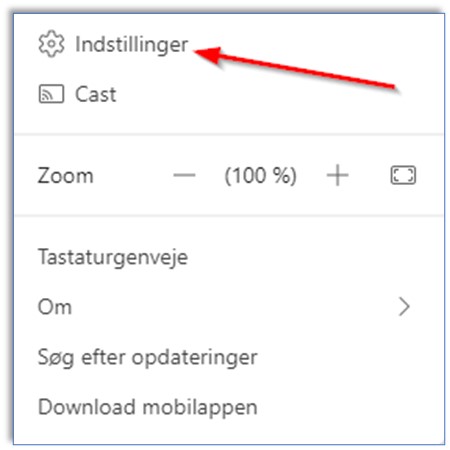
2) Click on Indstillinger/Settings
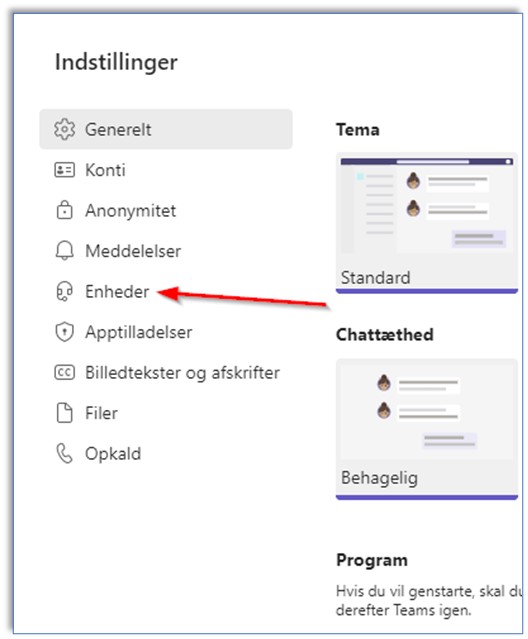
3) Click on Enheder/Devices.
4) Click on the dropdown menu for either the speaker or the microphone